
Visual summary page
The key points of the topic are gathered on one colorful page, which students can use to review after the lesson.
Madlen turns your learning outcomes or ideas into a colorful summary page with an optional audio explanation.
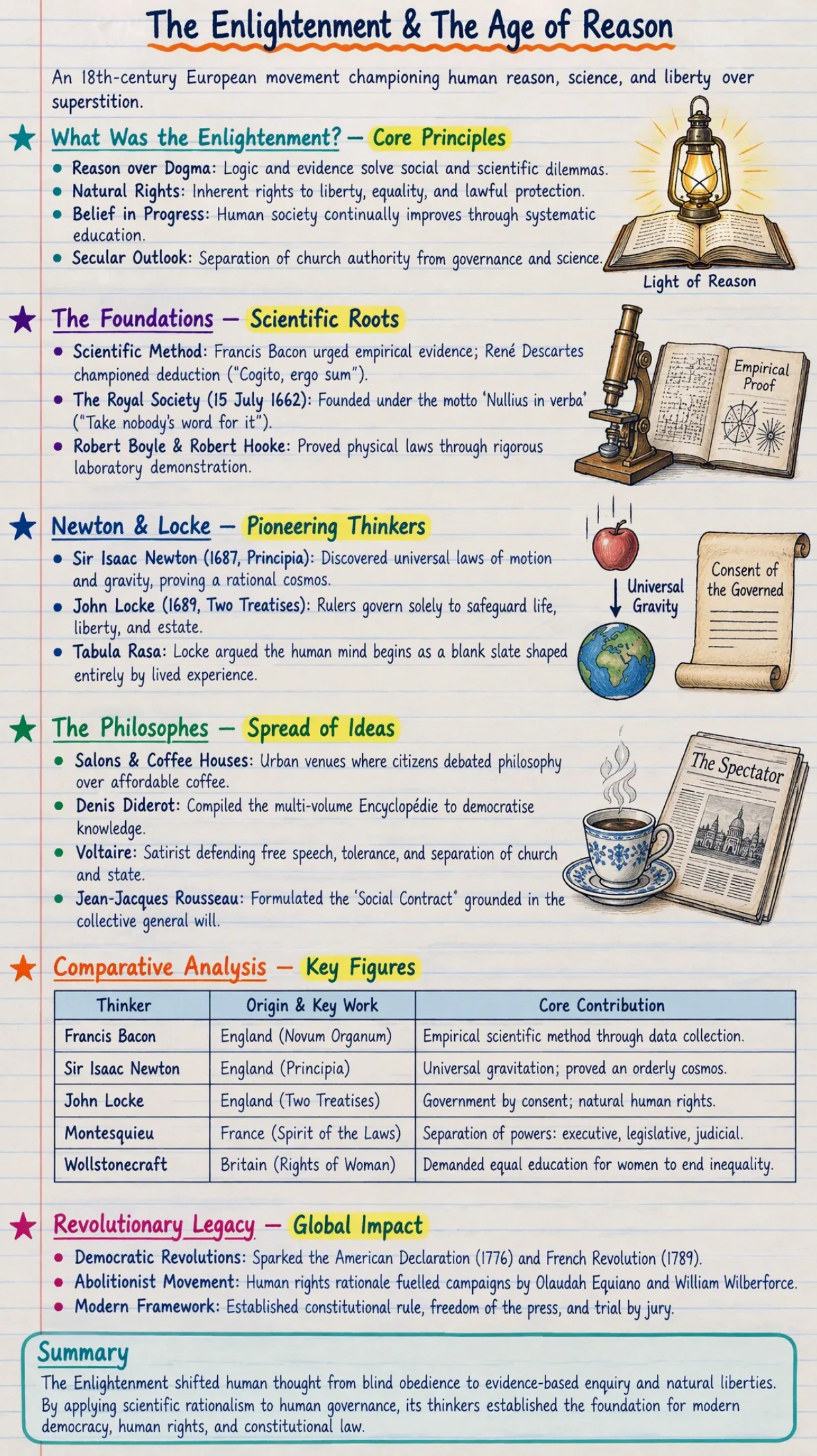
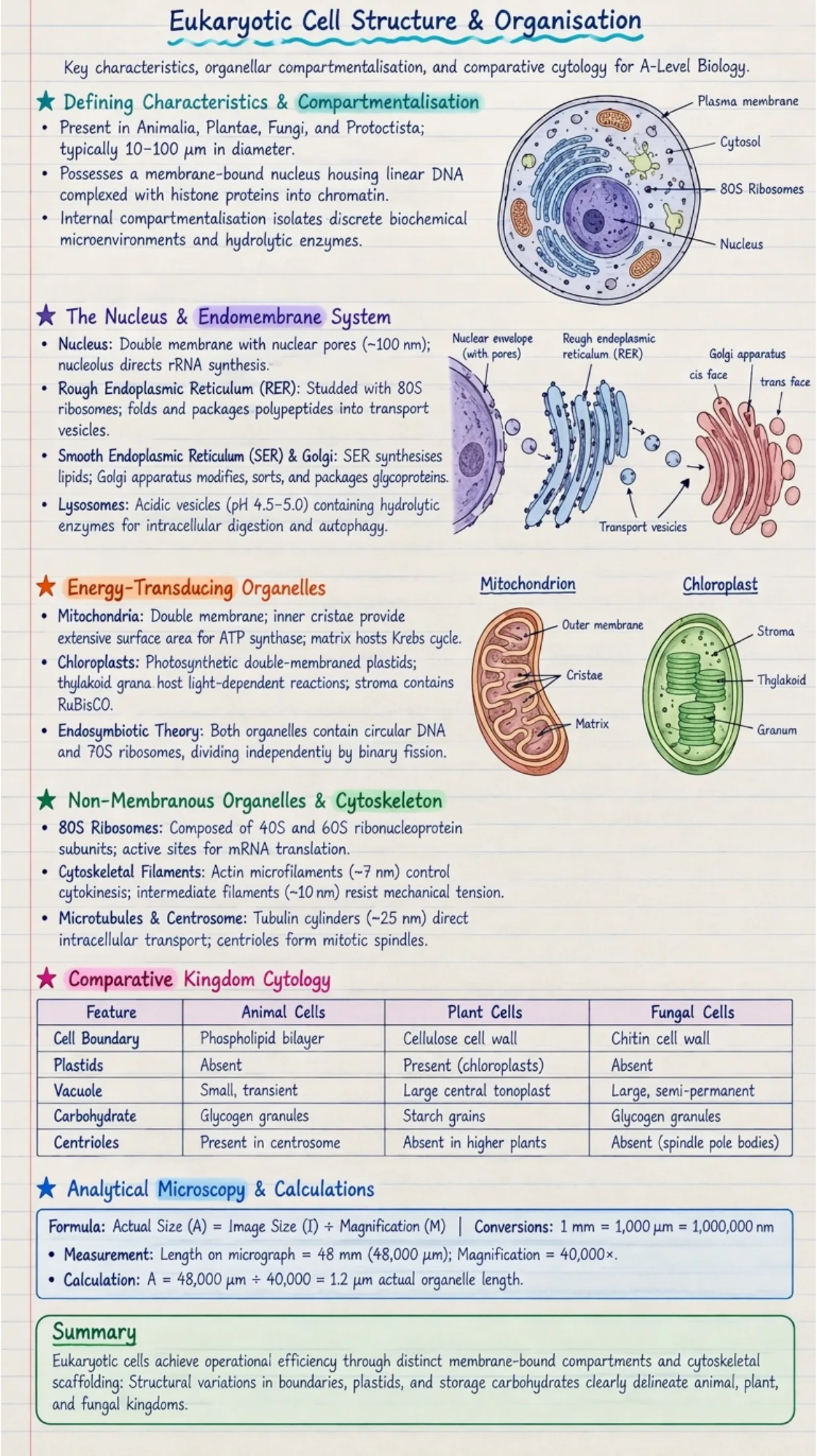
The key points of the topic are gathered on one colorful page, which students can use to review after the lesson.
Choose the audio-only format to get the notes as a spoken explanation. Students who prefer to listen get the same content in a form that suits them.
Share the note page and its audio with your students so they can keep studying the topic outside the classroom.
In Madlen a set of lesson notes is ready in four steps. The options below come from the platform form itself.
Pick the grade level, the subject and the curriculum you teach. You also set the output language in this step.
Start the notes from curriculum units and topics, from your own prompt or from a document you upload.
Choose notes only or notes with questions. Set the orientation and the number of pages, and add comprehension questions between pages if you like.
Improve any page, fix spelling with AI and create audio so the notes can be listened to. Download them as a PDF or PNG, share them or assign them to students and see who has read them.
Open Madlen's Notes Generator, enter your topic and choose the output format. The AI produces a colorful summary page in minutes, and you can add an audio explanation of the same topic.
Madlen's Notes Generator is an AI tool that turns learning outcomes or ideas into colorful lesson notes. It creates both a visual summary page and an optional audio companion, and it is one of more than 50 ready-made teacher tools on Madlen.
Yes. Madlen's Notes Generator has an audio-only format that explains the topic out loud. Students can read the note page, listen to the explanation, or do both.
Because you choose the topic, Madlen's Notes Generator is not tied to one subject. Grade 10 history and geography topics, for example, come out as an illustrated note page with an audio explanation of several minutes.
Madlen has a free plan for teachers, and you can create a teacher profile without paying. Sign in with your Google account and try the Notes Generator on a topic from your next lesson.
Create a free account and start with the tools you need today.